


A written article can explain a topic carefully, but readers often meet the story first through a short clip, a social preview, or a moving thumbnail. That creates a familiar problem for digital publishers: how do you turn an article into video without flattening the story, exaggerating the facts, or spending production time on an idea that should have stayed still?
A short AI video draft can help answer that question before final editing begins. It can test the opening frame, the order of visual beats, the space for captions, and whether the story needs motion at all. For magazines, local publishers, product writers, and small editorial teams, that early check can save a lot of circular discussion.
The draft should not become the source of truth. The article, reporting notes, product data, verified screenshots, approved images, and editor decisions still do that job. The video is useful when it helps the team decide how to present the story more clearly.
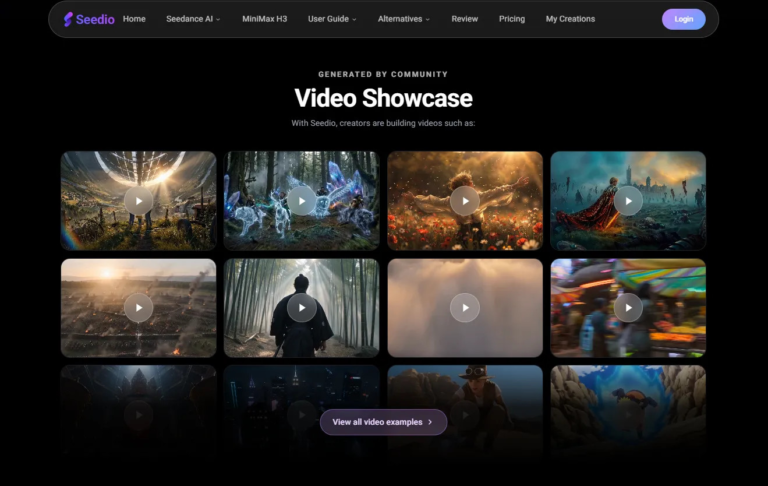
Used carefully, Seedance 2.5 can fit into this kind of planning process. The current page presents a browser-based workflow involving text-to-video and image-to-video creation, multiple reference inputs, format choices, and more detailed generation controls. Available features, resolution, duration, cost, and commercial-use terms may depend on the selected plan, so teams should confirm the current settings inside the product before using a draft for publication or paid promotion.
Start With the Article’s Main Promise
Before generating a clip, the editor should name what the article promises the reader. Is it explaining a technology trend? Introducing a product idea? Summarizing a consumer guide? Visualizing a business process? Previewing a local event or digital service?
That decision matters because a video preview should not try to carry the entire article. A longer draft might show the problem, one useful example, and a final frame that leads back to the written piece. It should not cram in every statistic, quote, caveat, and call to action.
A good brief sounds more like an editorial note than a wishlist. Instead of asking for a “modern cinematic AI video,” the team might write: open with a simple digital workspace, show one article idea turning into three visual beats, leave space for editor-added captions, and keep the tone clear rather than dramatic.
Build the Clip Around Reader Comprehension
Short video can make an article easier to enter, but it can also make a topic look simpler than it is. That is common with technology stories, where a smooth animation may hide important limits, costs, compatibility issues, or uncertainty.
Editors should ask what the viewer needs after five seconds, after fifteen seconds, and at the end. The first moment may need to name the topic visually. The middle may need one concrete example. The ending may need space for a headline, source note, or invitation to read the full article.
For a consumer tech guide, that might mean showing the problem first, then the type of tool being discussed, and finally a neutral summary frame. For a business technology article, it might mean showing a workflow rather than a fake dashboard that looks like verified software.
Use References With Clear Editorial Roles
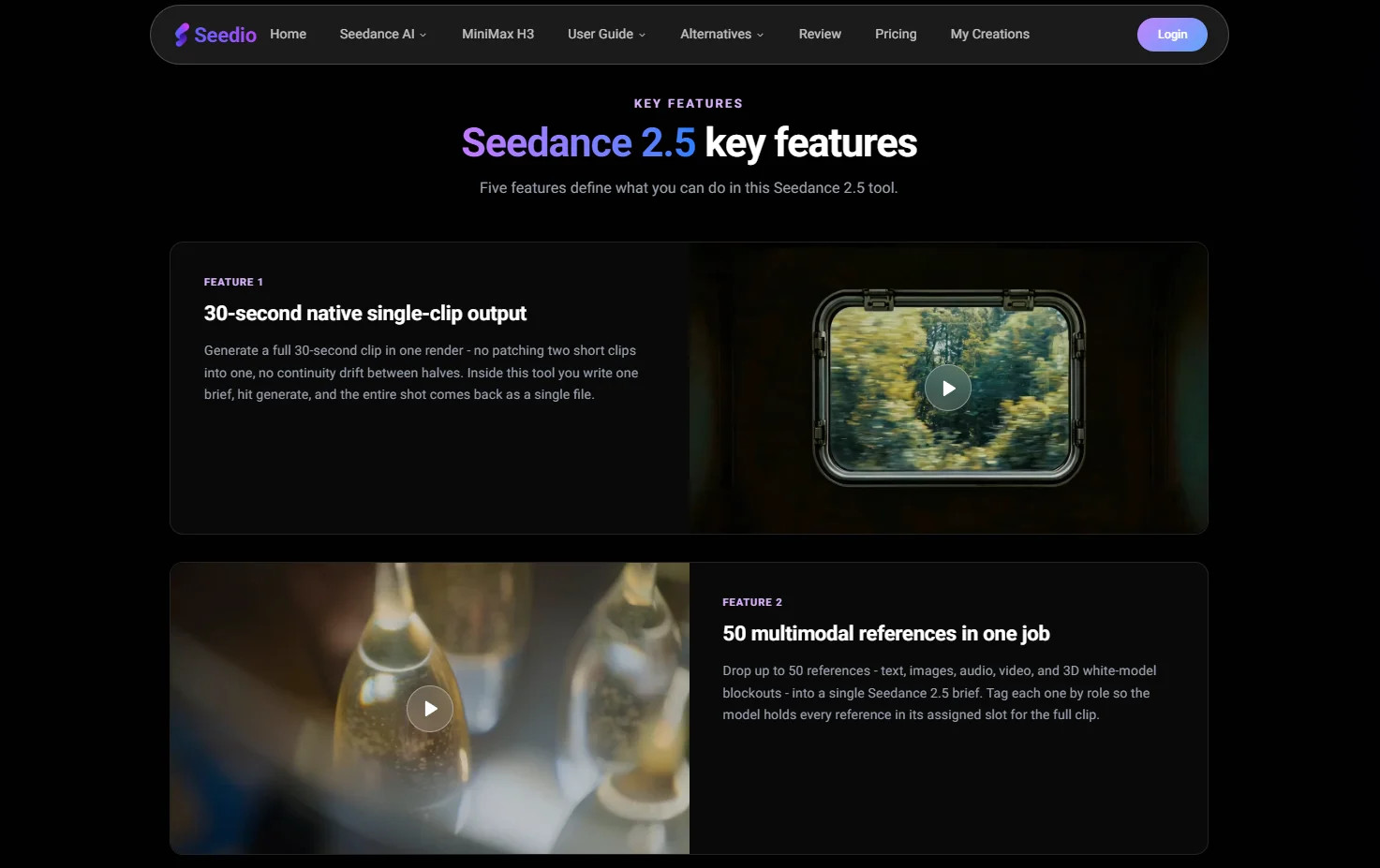
Reference inputs can help keep a draft grounded. A publisher might use an original illustration, a product-owned image, an abstract UI layout, a simple diagram, a style card, or a non-sensitive scene outline. Each reference should have a defined job.
One image may guide the visual style. Another may define the product shape. A diagram may set the sequence. A written note may explain pacing. If the prompt does not explain those roles, the model may borrow details from the wrong place and still return a clip that looks finished.
Editorial teams should also keep upload rights separate from publishing rights. A file that can appear in an article is not automatically cleared for external AI processing or derivative video use. Private information, customer data, unreleased material, third-party artwork, real people, and rights-uncertain assets should stay out of the generation brief unless the team has permission for the intended use and external AI processing, and the uploads comply with the platform’s current terms.
Keep Headlines, Numbers, and Claims Editable
Generated footage should not be trusted to carry exact text. Headlines, names, prices, dates, statistics, product claims, legal notes, sponsor disclosures, and calls to action should normally be added in editing or kept in the article.
This is especially important for digital publishers because a video preview may travel without the full article around it. A wrong date, distorted label, or unsupported claim can spread faster than a correction. The draft can reserve visual space for text, but the final wording should come from the edited article and be checked by a human editor.
If the story includes a real software interface, final publication should use verified screenshots or screen recordings. A generated interface may help plan the mood of a technology story, but it should not be presented as a live product screen or a step-by-step tutorial.
Plan One Clear Short-Video Structure
Longer single-shot generation can be useful when a story needs more than a flash of motion. Still, the structure should be simple enough for viewers to understand.
For example, a publisher turning a tech article into a short preview might use the opening section to establish the reader problem, the middle to show the article’s main example and practical takeaway, and the final section to hold space for an editor-added headline or read-more cue.
A practical AI video planning workflow can help teams review that structure before they spend time on final editing, voiceover, thumbnails, or social cutdowns.
Review the Draft Like an Editor
The review should go beyond whether the clip looks polished. Does it match the article’s actual point? Does it oversell a technology? Does it imply a product result, user behavior, partnership, or performance claim that the article does not support?
Editors should also check whether revisions changed nearby details. A small visual adjustment may affect motion, lighting, labels, or continuity elsewhere in the clip, so the whole draft should be reviewed again after each revision.
If the video is illustrative, synthetic, or materially altered, the surrounding caption or article context should make that clear when viewers could mistake it for real footage, a verified product demo, or documentary evidence.
Let the Draft Improve the Written Piece
Sometimes a video draft reveals a weakness in the article itself. The headline may be too vague. The main example may arrive too late. The visual takeaway may not match the actual reporting. The story may need a chart, a real screenshot, or a simpler explanation before it needs motion.
That feedback is useful. It helps publishers improve the article, not just the video. A stronger brief can lead to clearer headings, better captions, more accurate examples, and a cleaner social preview.
AI video works best here when it stays in the planning lane. Used with eligible references, verified article facts, and careful editorial review, Seedance 2.5 can help digital publishers test short video ideas while the final judgment remains with the people responsible for the story.
