


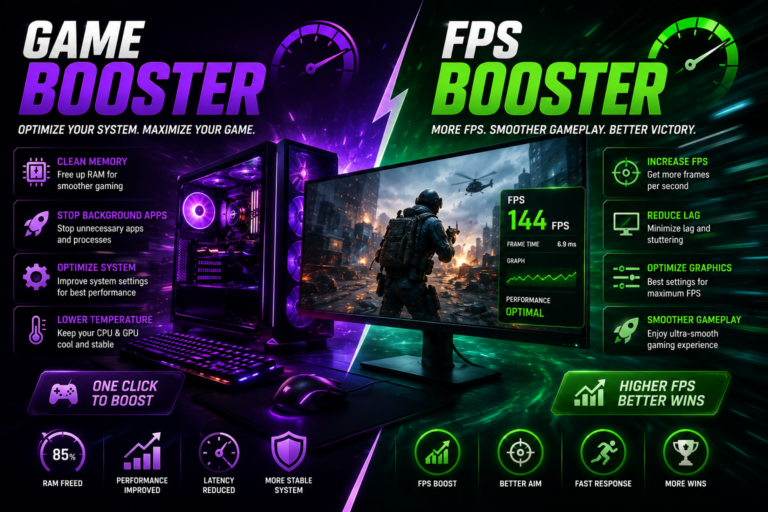
A seamless gaming experience relies on more than having high-performance computer components.Even a computer with good specifications can experience lag, frame drops, or slow response times if unnecessary applications consume valuable system resources. For this reason, many gamers use a Game Booster and an FPS Booster to optimize their PCs before launching their favorite games. These tools are designed to improve system efficiency and help games run more smoothly without requiring immediate hardware upgrades.
While these tools are frequently discussed as a pair, each is designed to improve a different aspect of gaming performance. Understanding their individual roles can help you optimize your PC more effectively.
What Is a Game Booster?
A Game Booster is a software utility that optimizes your computer by reducing unnecessary background processes while you play. Instead of allowing multiple applications to compete for processing power, it temporarily gives priority to the active game.
Many game boosters can also pause startup programs, free up memory, and optimize system settings automatically. Once the gaming session is over, the software typically restores your computer to its normal operating state.
Because of their simple interfaces, most game boosters are suitable for both beginners and experienced PC users.
What Is an FPS Booster?
An FPS Booster is designed to improve the smoothness of gameplay by helping your computer maintain more stable frame rates. FPS stands for Frames Per Second, which measures how many images are displayed on your screen every second.
Consistent frame rates can make gameplay feel more responsive, especially in competitive games where quick reactions are important. Instead of increasing your hardware’s raw power, an FPS booster optimizes available resources and performance settings to improve efficiency.
Why Gamers Use Optimization Tools
Modern games are more demanding than ever. Detailed graphics, realistic physics, online multiplayer features, and large game worlds place heavy demands on your CPU, GPU, and memory.
Optimization software helps reduce unnecessary system activity, allowing more resources to remain available for gaming.The level of improvement varies from one system to another, but these tools can contribute to smoother and more reliable gameplay.
Benefits of a Game Booster
A game booster provides several useful advantages.
Optimizes System Resources
The application temporarily limits non-essential background tasks, allowing more processing power and memory to be allocated to your game.
Improves PC Responsiveness
By limiting unnecessary tasks, your computer can respond more efficiently during gameplay.
Easy Performance Optimization
Most game boosters offer one-click optimization, allowing users to prepare their systems quickly before launching a game.
Supports Longer Gaming Sessions
A cleaner system environment can contribute to more stable performance during extended gameplay.
Advantages of an FPS Booster
An FPS booster focuses specifically on visual performance.
Some common benefits include:
- More consistent frame rates.
- Reduced stuttering.
- Smoother gameplay.
- Better graphics optimization.
- Improved overall gaming responsiveness.
Performance improvements vary depending on your system configuration and the game being played.
Combining Game Booster and FPS Booster
Many players use both a Game Booster and an FPS Booster because they improve different areas of performance.
A game booster manages background processes and system resources before and during gameplay, while an FPS booster focuses on delivering steadier frame rates.When used together, these tools can contribute to more stable performance and a more satisfying gaming experience.
Tips to Get Better Results
To maximize the effectiveness of optimization software, follow these recommendations:
- Update graphics drivers frequently.
- Install game patches when available.
- Close unnecessary browser tabs and applications.
- Keep enough free storage space on your drive.
- Monitor CPU and GPU temperatures.
- Use graphics settings appropriate for your hardware.
- Restart your PC regularly to refresh system resources.
Regular system maintenance helps keep your computer running efficiently and delivers more consistent performance over time.
Are These Tools Worth Using?
For gamers who want to improve performance without immediately upgrading hardware, optimization software can be a practical solution. While a Game Booster and an FPS Booster cannot transform an entry-level PC into a high-end gaming machine, they can help your existing hardware operate more efficiently.
Users with older computers or systems running multiple background applications may notice the greatest benefits from proper optimization.
Conclusion
Improving your PC’s performance through optimization can significantly enhance your gaming experience. A Game Booster minimizes unnecessary background processes, while an FPS Booster helps deliver steadier frame rates and smoother gameplay.
When combined with updated drivers, regular maintenance, and sensible graphics settings, these tools can help you get the most from your computer. Whether you enjoy action games, racing simulators, strategy titles, or online multiplayer adventures, using a game booster and an FPS booster can contribute to a more stable and enjoyable gaming session.
